Platform Capabilities

Every capability.
One engine.

Signal RGB replaces multiple vendor utilities with hardware-level control, reactive game effects, and system monitoring — built for modern Windows gaming PCs.

8 Features Multi-brand v2.5.54
01

Unified control

Device detection
& sync

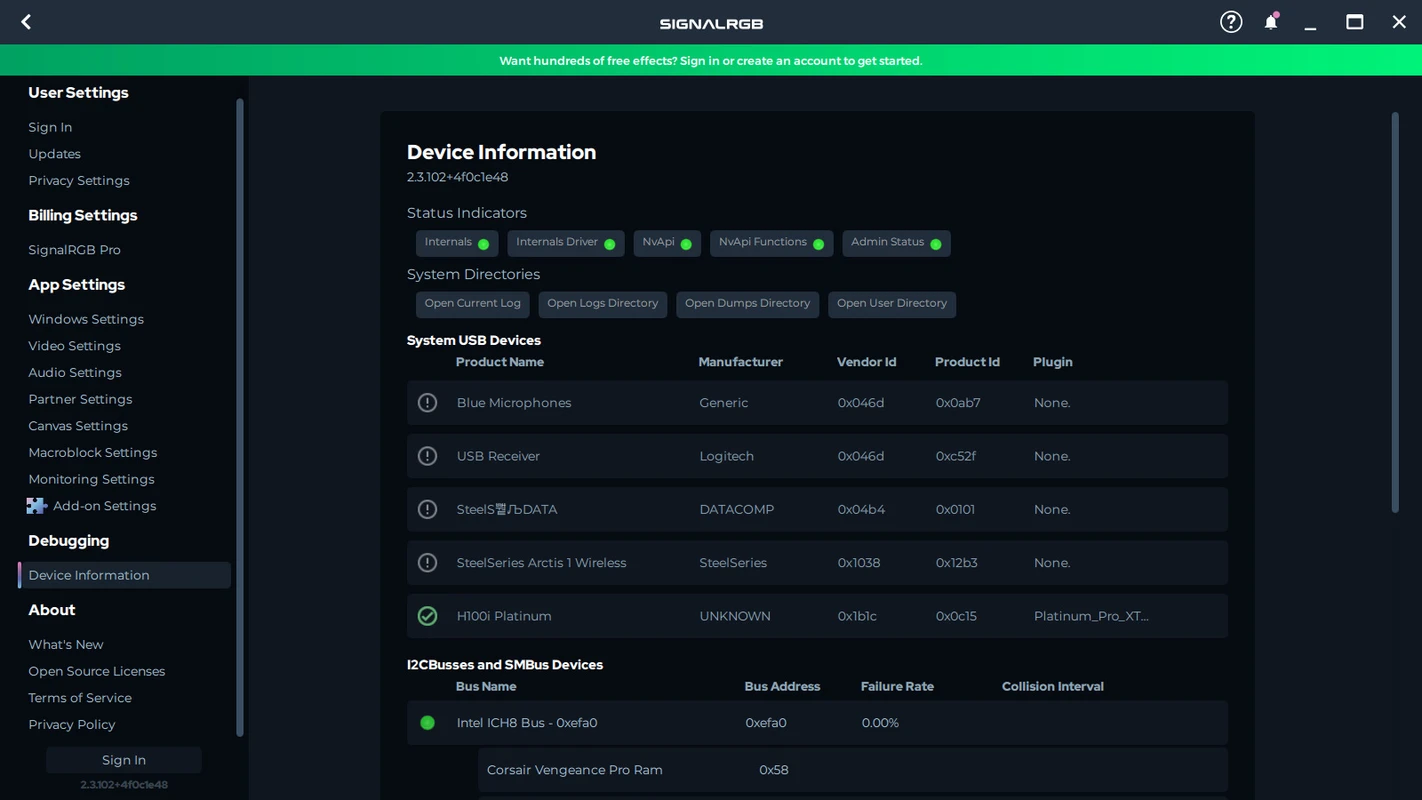
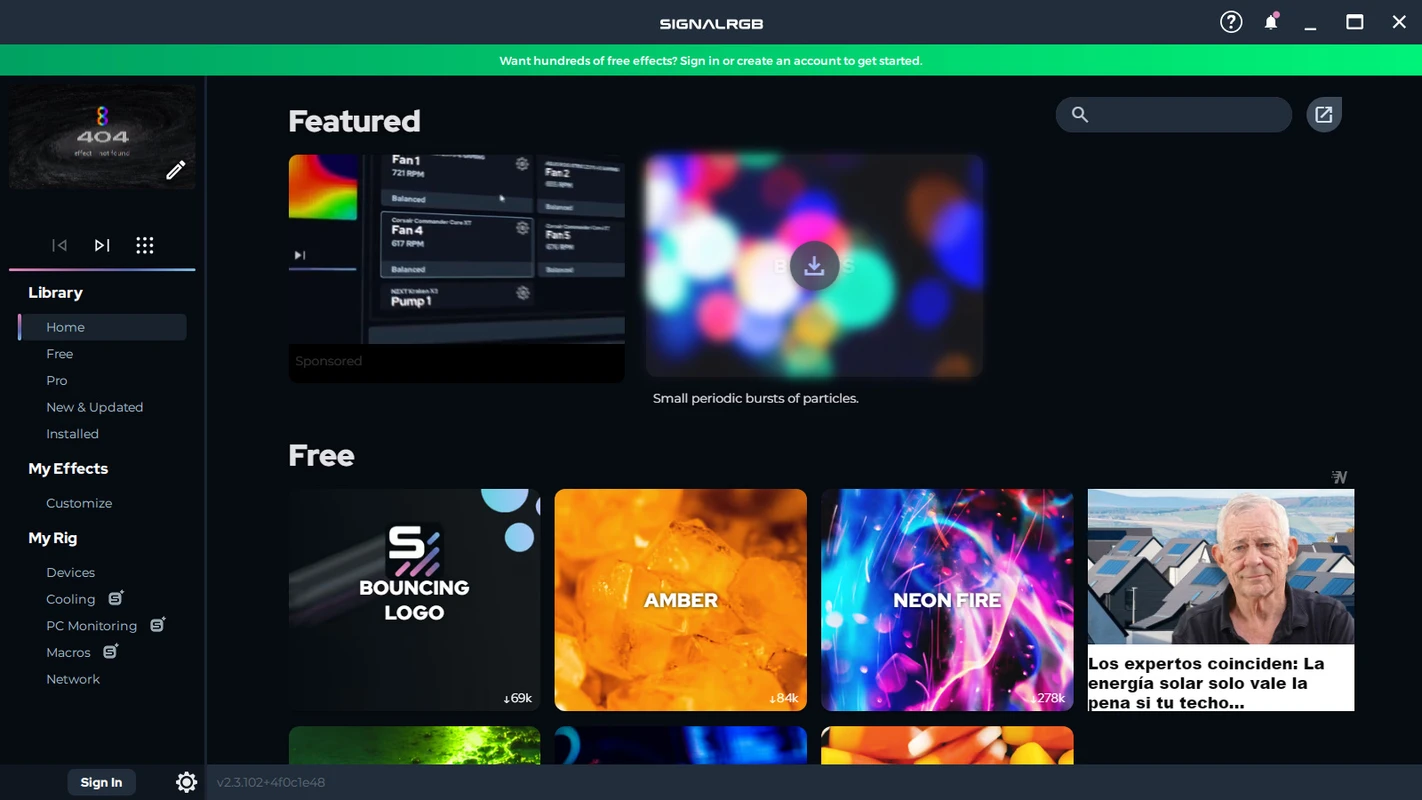
Signal RGB automatically recognizes the majority of connected RGB peripherals and internal components. Keyboards, mice, headsets, RAM, GPUs, motherboards, and case lighting follow a single profile instead of conflicting brand apps.

Supported brand ecosystem

  • Razer, Corsair, Logitech, SteelSeries, HyperX, EVGA
  • MSI, ASUS, Gigabyte motherboards with an expanding device list
  • RGB fans and tower lighting with guided manual setup when needed
Device setup guide →
Signal RGB unified multi-brand device control dashboard on Windows
Multi-brand Auto-detect
02

Command center

PC monitoring
& fan control

Beyond aesthetics, Signal RGB monitors fan speeds and system performance. Apply performance profiles per fan, create custom curves, and respond when a fan works harder than expected.

Performance insights

Track thermal behavior alongside lighting so you can balance looks and cooling. See our fan safety best practices before adjusting curves.

Signal RGB PC fan monitoring with customizable fan curve controls
Fan curves Real-time RPM
03

Reactive lighting

Game integrations
& effects

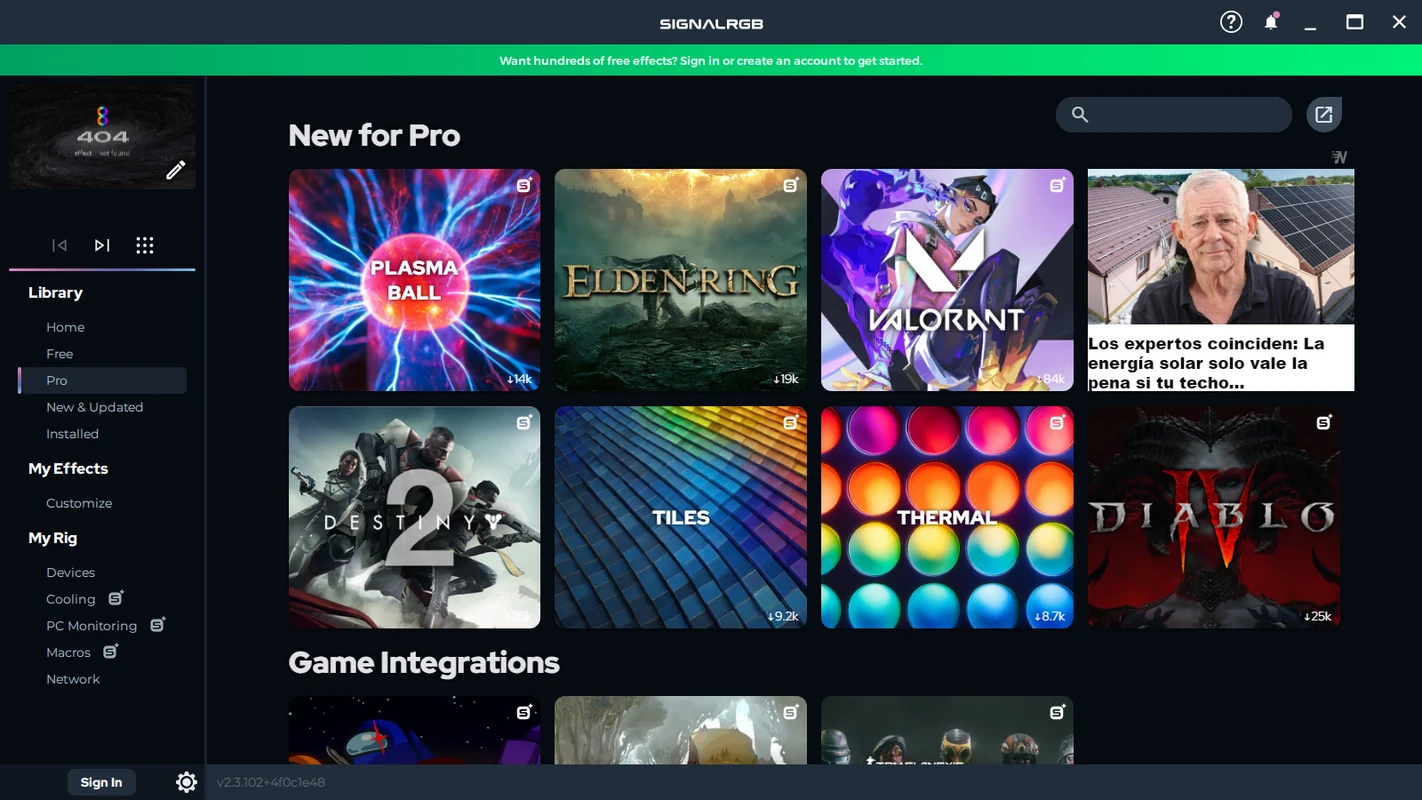
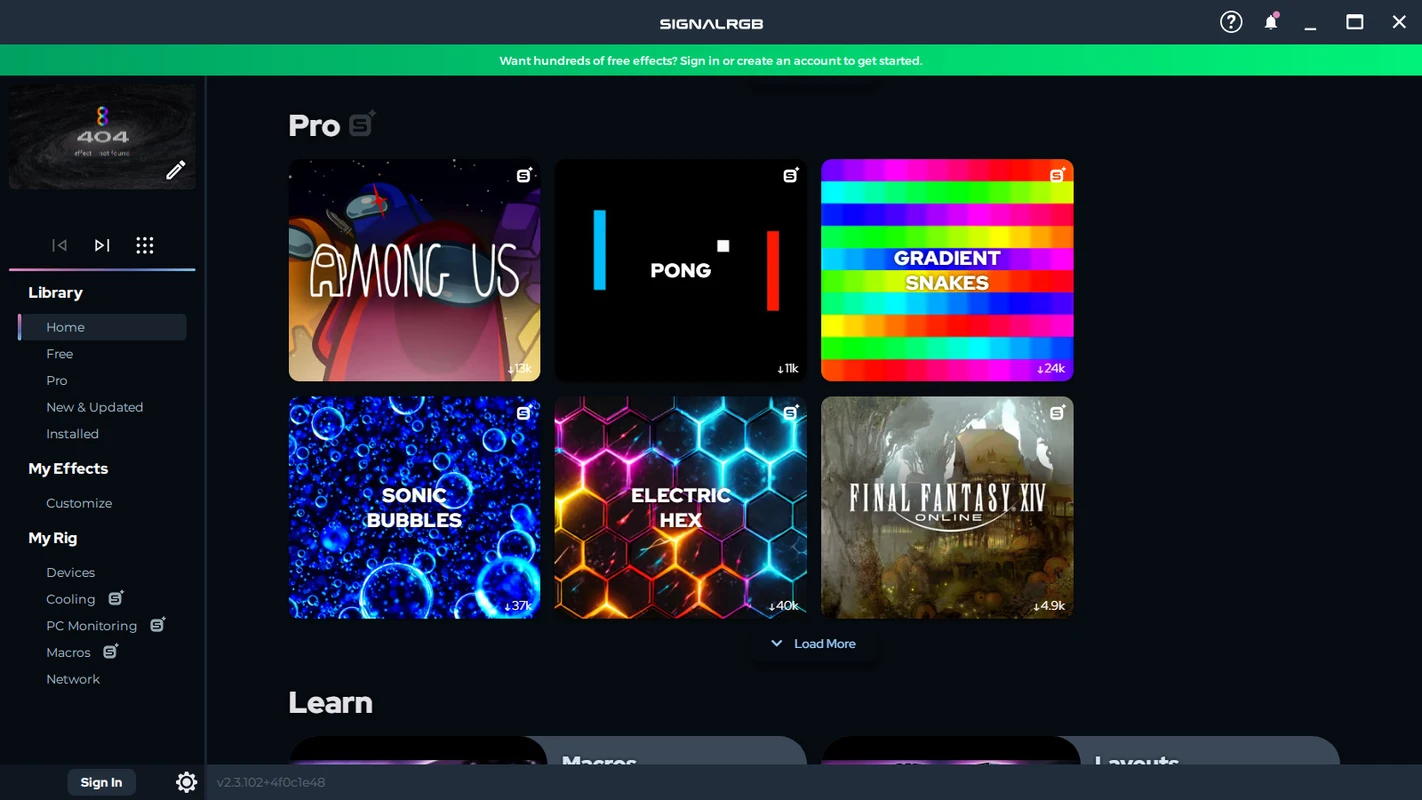
Experience custom effects for popular titles. Signal RGB detects on-screen action in real time — explosions, health, damage, ammo, and environments drive your entire setup. Supported examples include GTA V, Fortnite, Diablo IV, and Riptide-style effect packs.

Monthly expansion

New game integrations are added regularly so your battlestation stays current with the hottest releases.

Apply game profiles →
Signal RGB game-reactive lighting integration for popular titles
Event-driven Streamer-ready
04

Immersive sync

Screen
ambience

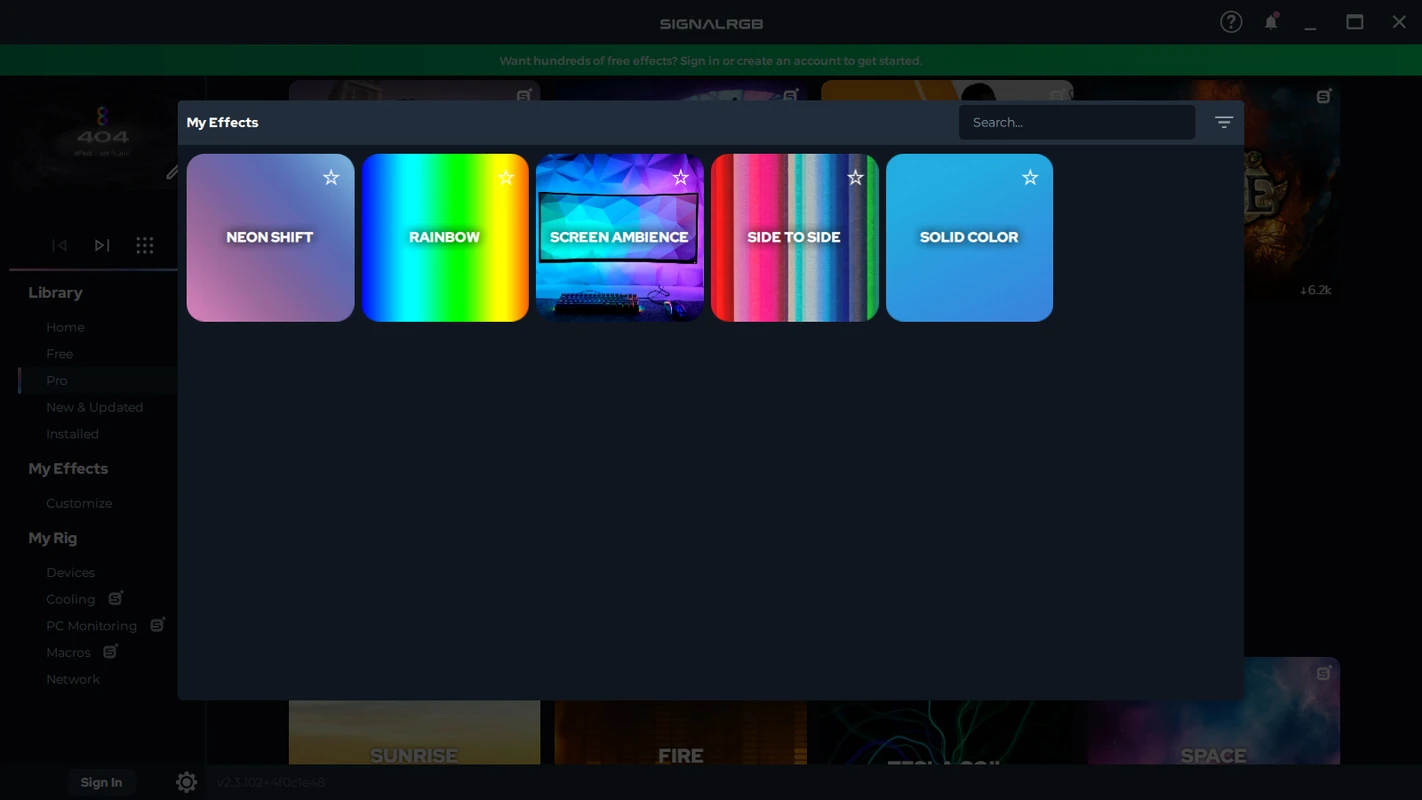
Mirror the action in any game, video, or desktop content across your RGB ecosystem. Screen Ambience extends color and motion beyond a single peripheral for immersive room-scale lighting.

Recent improvements

Version 2.5.54 fixed crashes when using vertical monitors with Screen Ambience, improving multi-display setups.

Signal RGB screen ambience mirroring game colors across desktop lights
Multi-monitor
05

Audio reactive

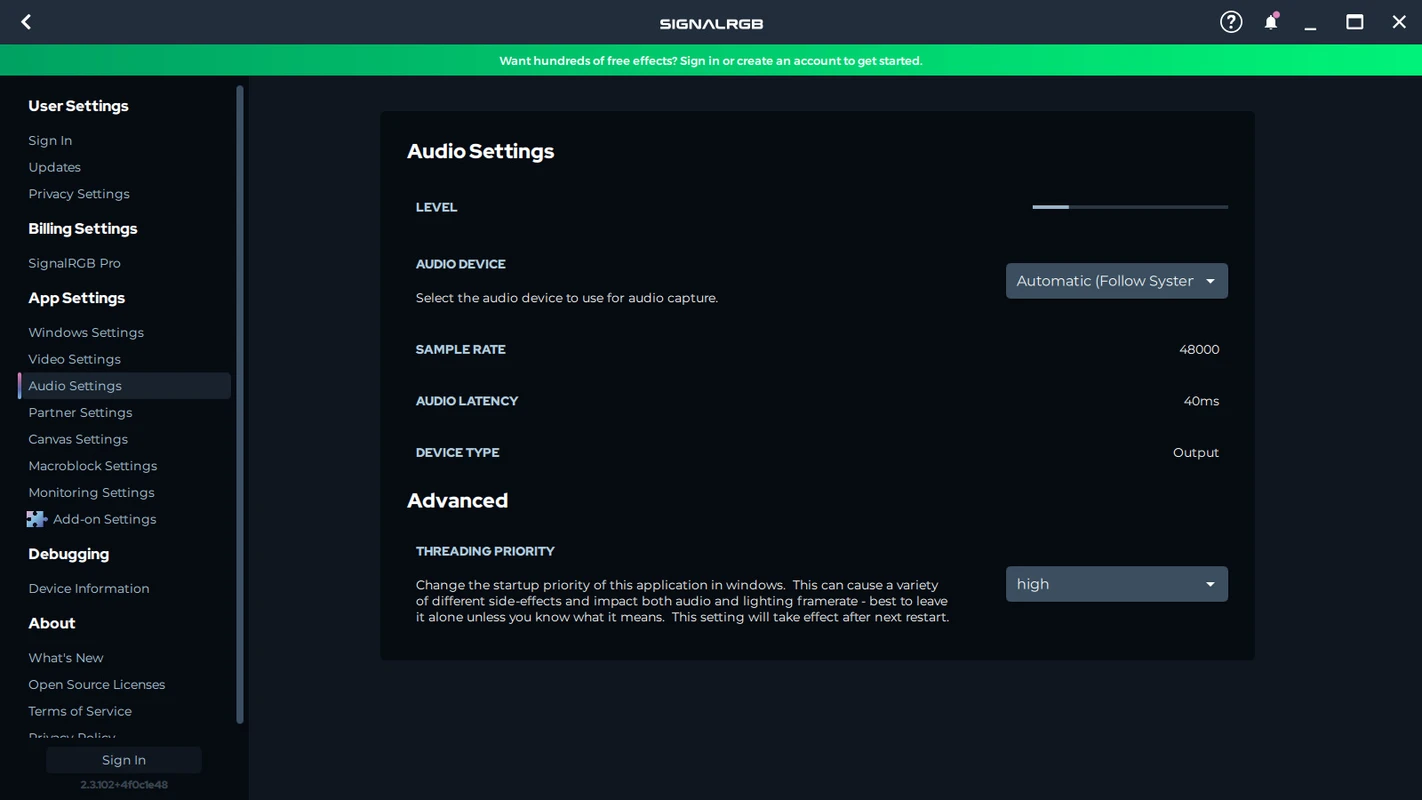
Spectrum
& visualizers

Turn your setup into a synchronized light show. Audio Spectrum matches any audio content from your computer with vivid, beat-aware effects for music, streams, and cutscenes.

Signal RGB audio spectrum visualizer synced to music playback
Beat sync
06

Automation

Macros &
profiles

Macros let you launch specific effects when games start, switch profiles for work versus play, or chain actions across devices. Automate your ideal experience instead of clicking through menus every session.

Profile scenarios

  • Productivity: subtle, low-distraction colors
  • Gaming: reactive integrations per title
  • Media: audio-driven visualizer presets
Signal RGB lighting macros and profile automation settings
One-click sync
07

Deep access

Hardware-level
control

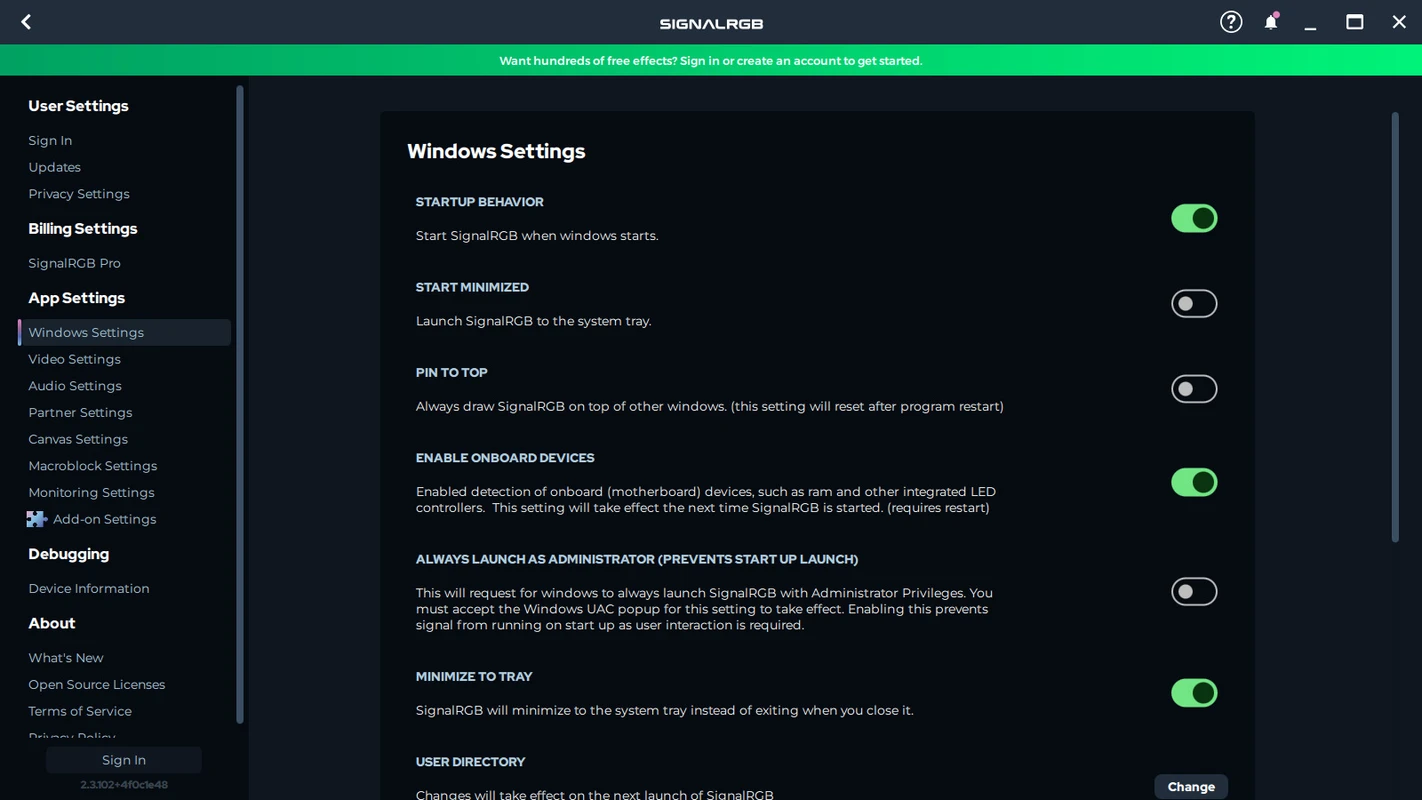
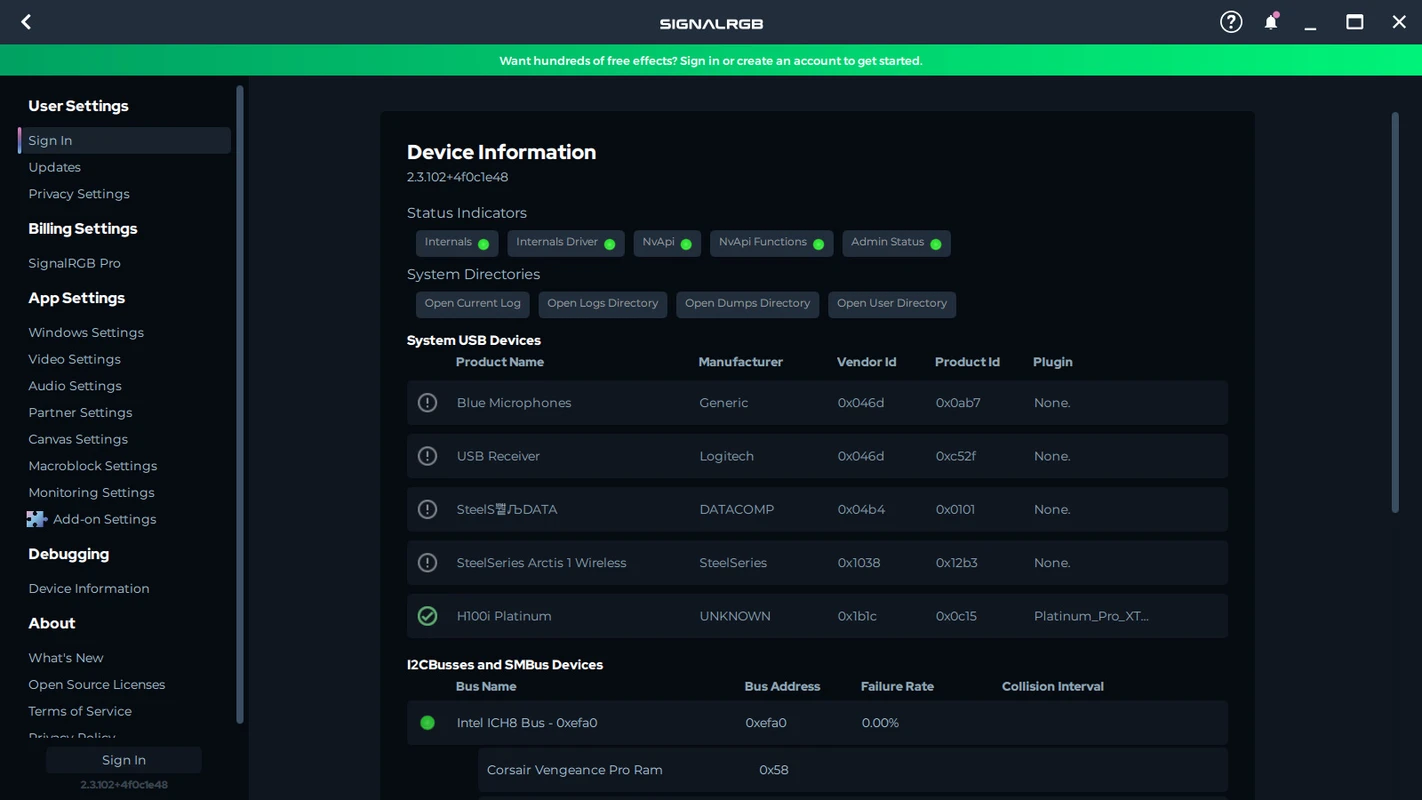
Signal RGB communicates at the hardware level for responsive, low-overhead control. Version 2.5.54 added automatic SMBus dumping to simplify support for new motherboards and components such as MSI PRO B850 series boards, HYTE CNVS, and latest Razer keyboards.

Low overhead operation

Designed to avoid the bloat of running multiple RGB suites simultaneously.

Expanding device database

Frequent updates add GPUs, RAM, and motherboards including alpha-tested categories.

Signal RGB SMBus hardware-level RGB device support panel
SMBus
Signal RGB community battlestation setups and effects plugin gallery
08

Community

Setups &
integrations

Browse user-submitted setups for inspiration or share your own layout. Game integration packs and effect libraries layer onto the core engine without separate installers for each title.

User setups gallery

Discover battlestation layouts from the community and adapt them to your hardware mix.

Riptide & custom effect packs

Build a unique style with effect packs that go beyond static color loops.

Troubleshooting & setup guides →

Install the latest build

UI improvements, SMBus enhancements, and dozens of new devices — ready for your setup.

Download